 Pagecraft
A landing page from one sentence
Describe your business. Pagecraft designs, writes and builds the whole page in under a minute. Change anything by chatting, then publish to Cloudflare in one click.
Built on tools you already trust
 Cloudflare
 shadcn/ui
 React
React Tailwind CSS
- DeepSeek
 Stripe
- Unicorn Studio
 Workers AI
- Cloudflare
- shadcn/ui
- React
- Tailwind CSS
- DeepSeek
- Stripe
- Unicorn Studio
- Workers AI
- Cloudflare
- shadcn/ui
- React
- Tailwind CSS
- DeepSeek
- Stripe
- Unicorn Studio
- Workers AI
- Cloudflare
- shadcn/ui
- React
- Tailwind CSS
- DeepSeek
- Stripe
- Unicorn Studio
- Workers AI
How it works
From one sentence to a live site
Describe it, refine it by chat or by hand, ship it. No blank canvas to stare at.
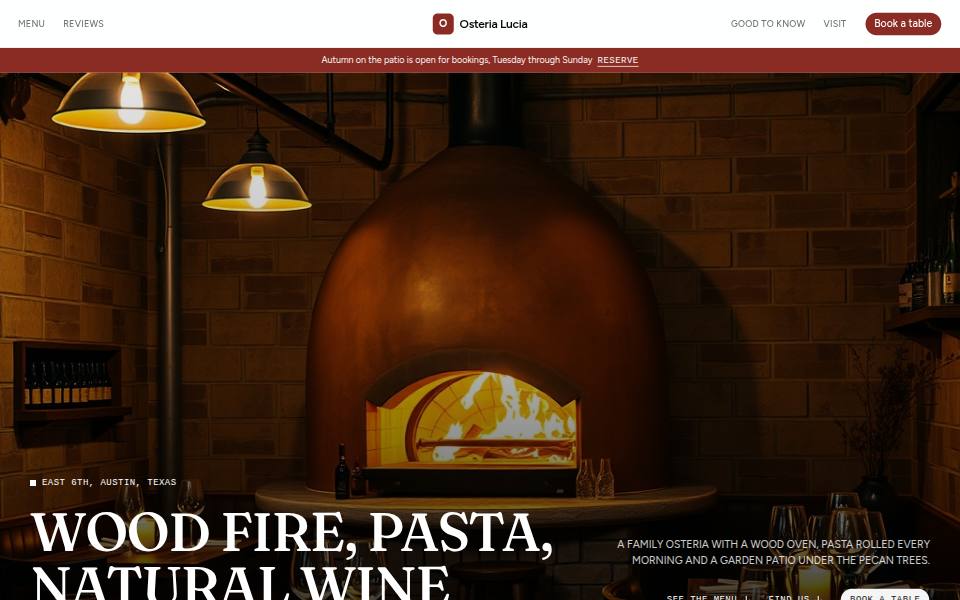
Describe your business
One or two sentences: what you do, who it's for and where you are. That's the whole brief.
Refine it by chatting
Ask for anything: warmer colours, a pricing table, punchier copy. Or double-click any text and type.
Publish it
One click puts it on Cloudflare's global network with SSL. Connect your own domain when you're ready.
Try it
Restyle a real site, right here
Pick a site and play with its brand. Every section follows along instantly, on every screen size.
Explore your own design in the editor. Start free
The whole platform
From first draft to first sale, in one place
The page builder is where it starts. Funnels, checkout, email, translation and client review are built in, so you don't stitch five tools together.
- Build AI chat, click-to-edit and 150 drag-in elements
- Design Shaders, effects and backgrounds on any section
- Grow Funnels, split tests, quizzes and popups
- Sell Stripe checkout, order bumps and upsells
- Nurture Contacts and AI-written email sequences
- Publish 29 languages, a CMS, SEO and fast hosting
- Work together Live co-editing, client review and roles
- Free to startUpgrade for your domain, checkout and team. See pricing
01 · Build
Ask for a change, or make it yourself
Tell the AI what you want and it edits the live page. Or double-click any text, heading or list and type. Undo anything, and restore any earlier version.
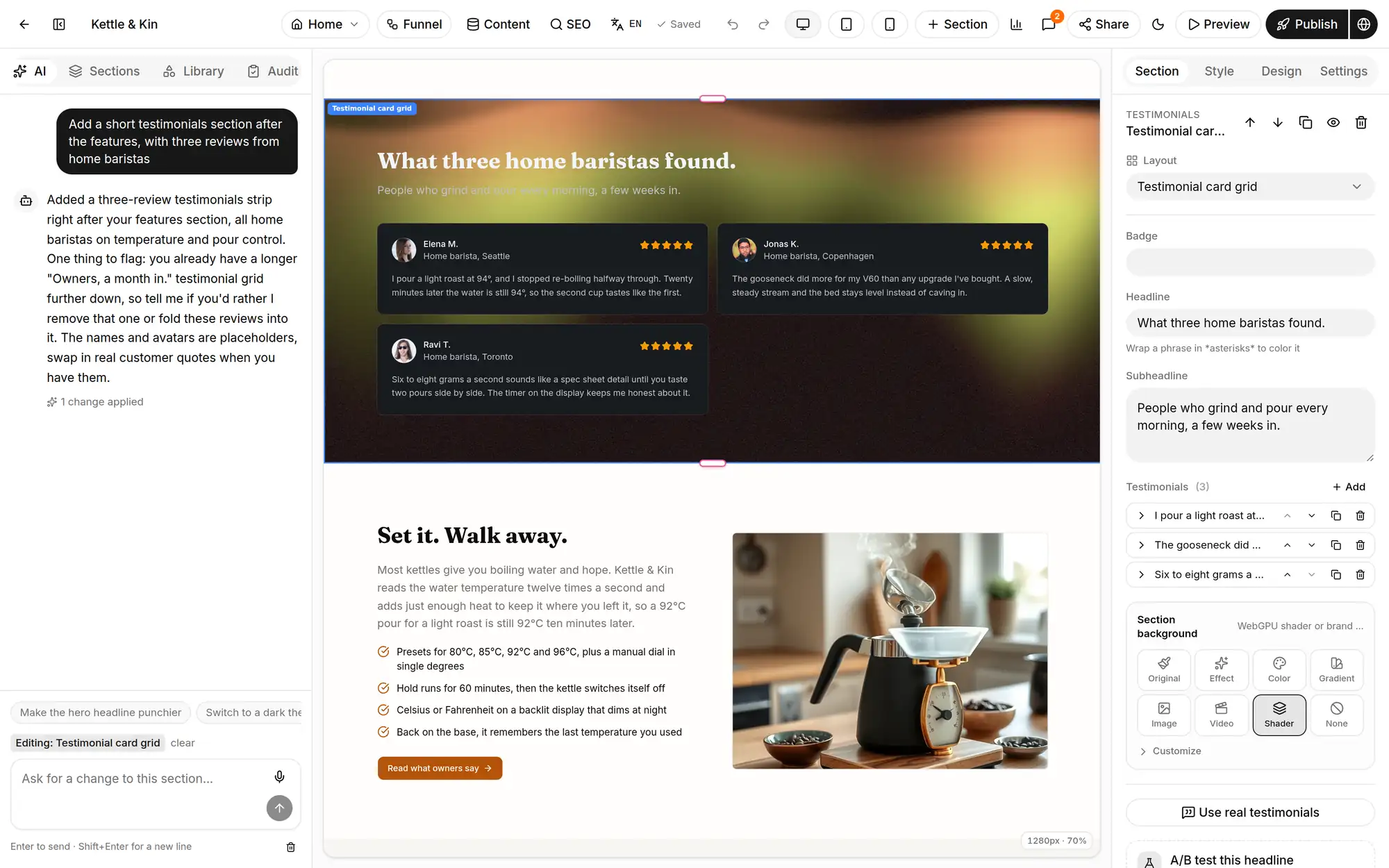
Edit by chatting
“Add three reviews from home baristas.” The AI writes in your voice and points out what's a placeholder.
Click and type
Inline editing for headings, rich text and lists, right on the page. Styles per desktop, tablet and phone.
Live Preview
Press P to click through the real pages, links and popups before you publish.
The Library
150 elements, 157 sections
Drag anything onto a free canvas, into a stack or grid, or inside any section. Hover a tile and it plays a short preview, so you know what you're adding. 31 of the sections come from the open-source Arc library.
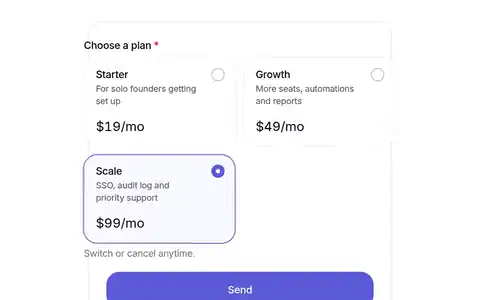
30 form fields
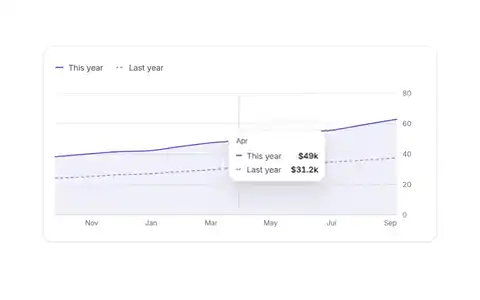
13 charts
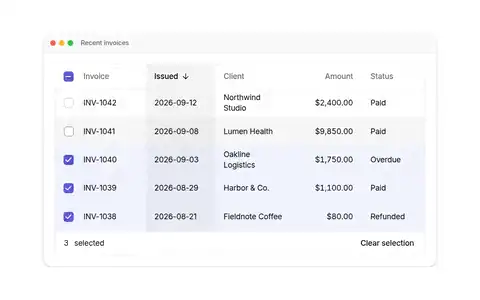
19 product mockups
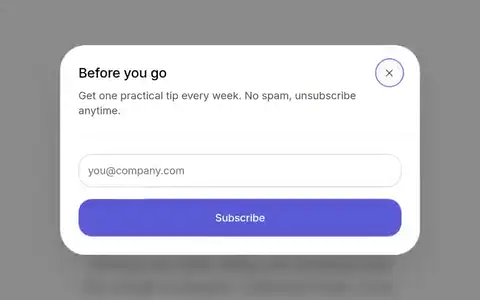
Popups and exit intent
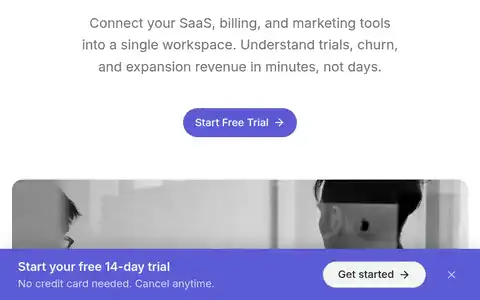
Sticky and announcement bars
Text effects
02 · Design
Any section can move
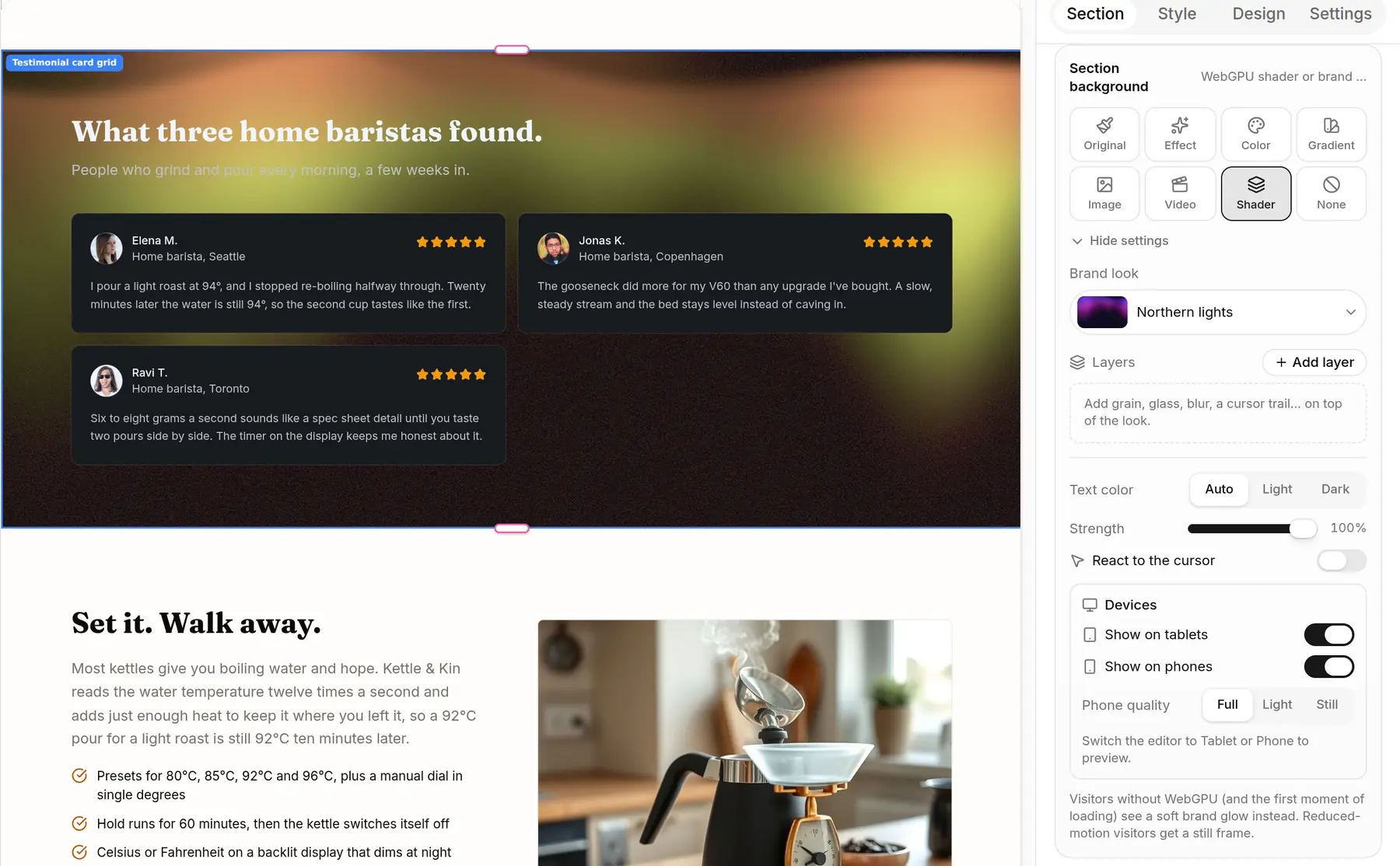
Every section has a Background control: an animated effect, a colour, a gradient, a photo, a looping video or a WebGPU shader. Shaders pick up your brand colours.
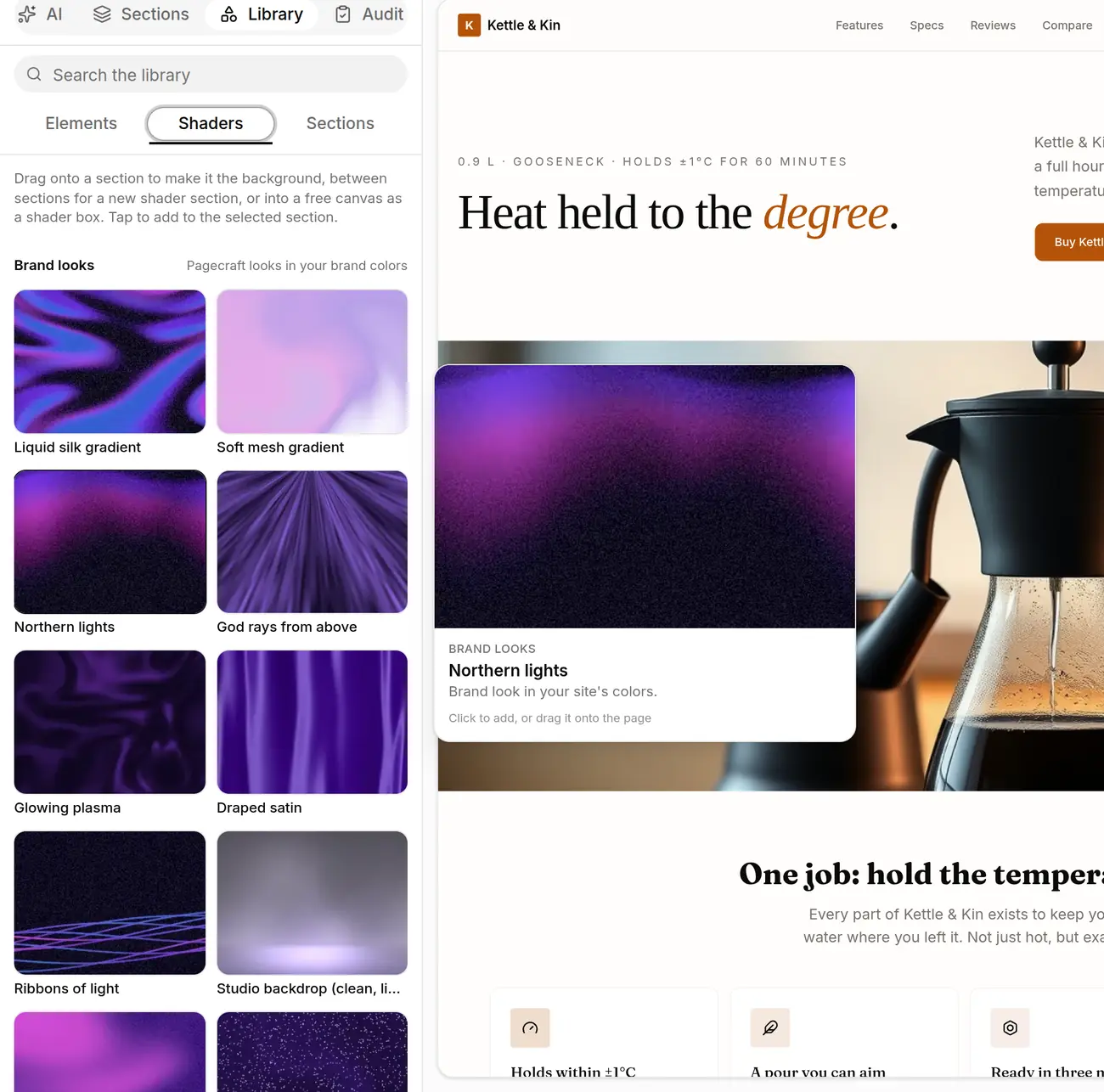
199 shaders, stacked
Start from a brand look, then layer grain, glass, blur or a cursor trail on top.
Settings per device
Full, light or still on phones, or off on tablets. Older browsers get a soft brand glow.
Your brand everywhere
Colours, fonts and corner radius flow through every section. Dark mode, plus a light/dark toggle for visitors.

Liquid chrome sphere

Liquid silk gradient

Prism light beam

God rays from above

Northern lights

Ribbons of light

Nebula in a glass orb

Retro 1-bit dither
Real clips from the Library. Shown here in Pagecraft's violet; on your site they use your colours.
03 · Grow
Funnels you can see
Lay out opt-ins, sales pages, checkout, upsells and thank-you pages as a map. Connect a button to the next step by dragging an arrow. Each step shows its visitors, conversion and revenue.
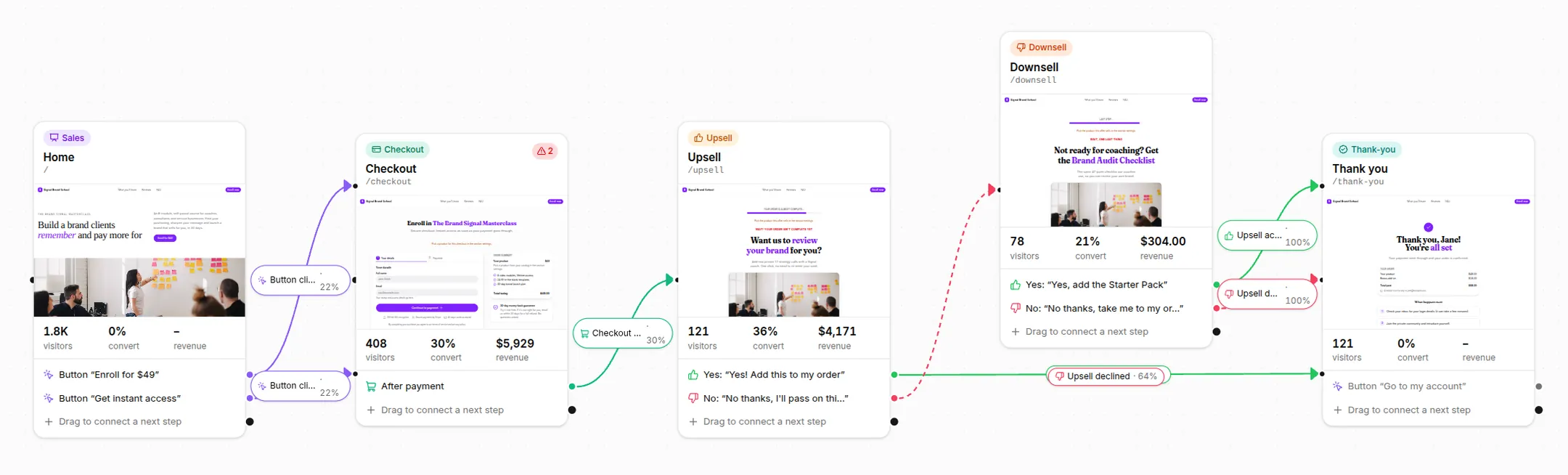
Swipe to see the whole funnel
Split tests at the edge
Test a whole page against another version. Visitors are split on Cloudflare before the page loads, so there's no flicker. Pick conversions or revenue as the goal.
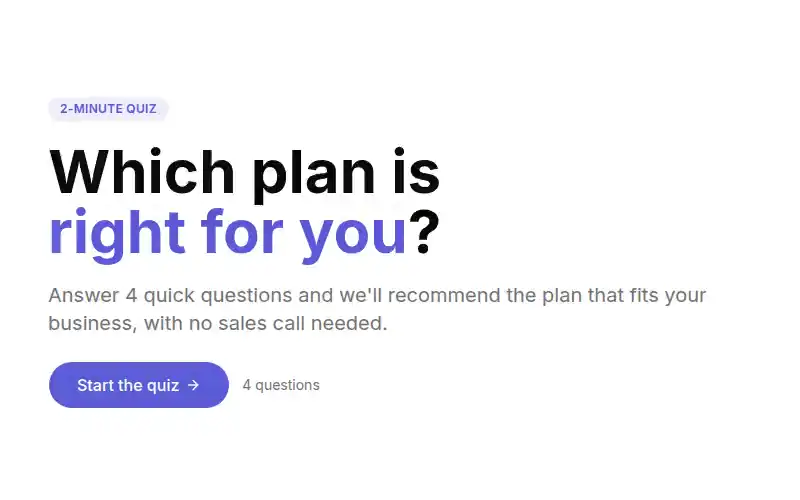
Quizzes and popups
Scored or branching quizzes with a page per outcome, and popups on a timer, on scroll or on exit intent.
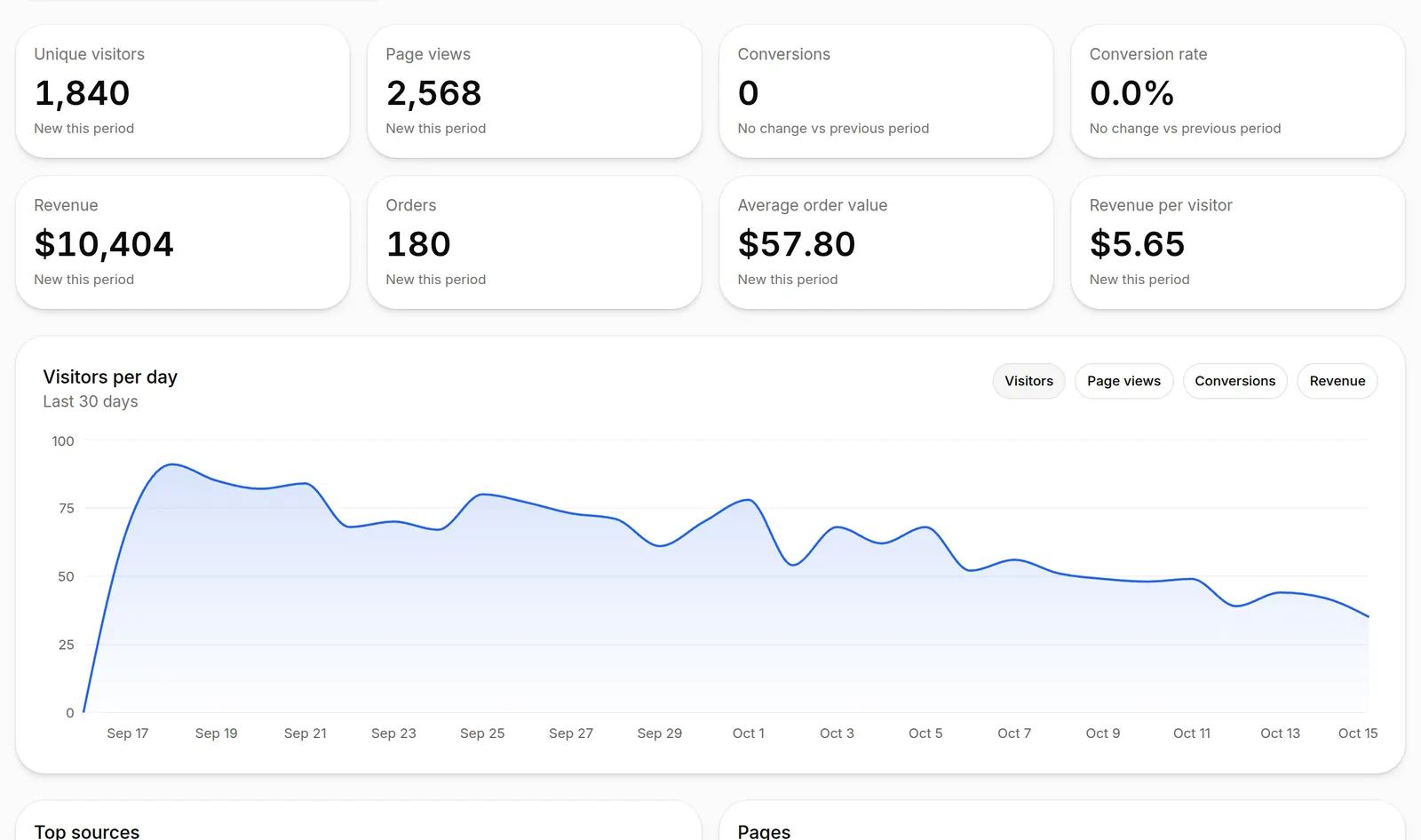
Numbers on every step
Visitors, sources, devices, conversions and revenue per page, counted without cookies. Six funnel templates to start from.
04 · Sell
Checkout on your own page
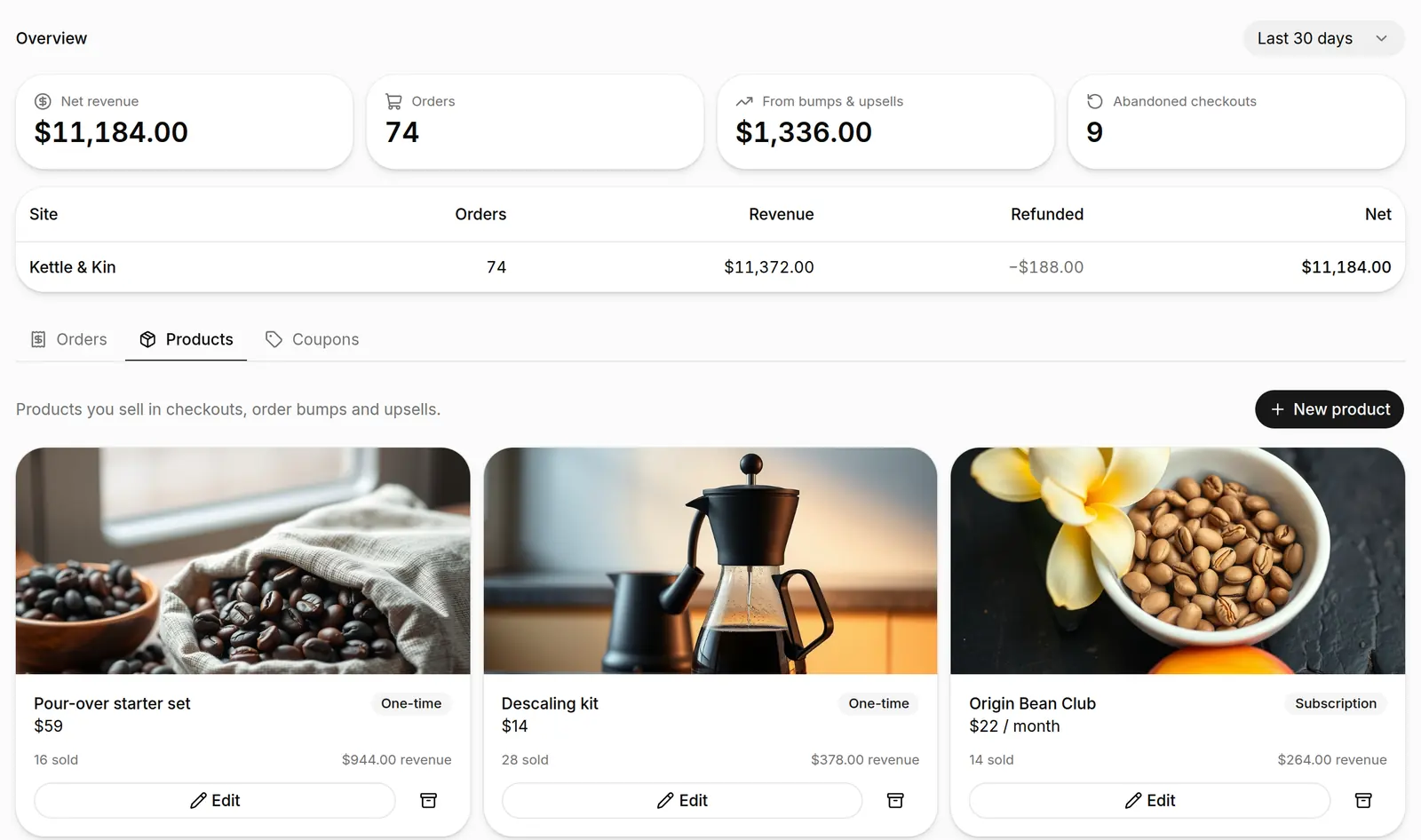
Connect your Stripe account and sell from any page. No separate shop, no redirect to a hosted checkout.
- One-time products, subscriptions and payment plans
- Order bumps at checkout
- One-click upsells and downsells, with an offer deadline
- Coupons, including 100%-off codes for free orders
- Revenue, refunds and abandoned checkouts per site
05 · Nurture
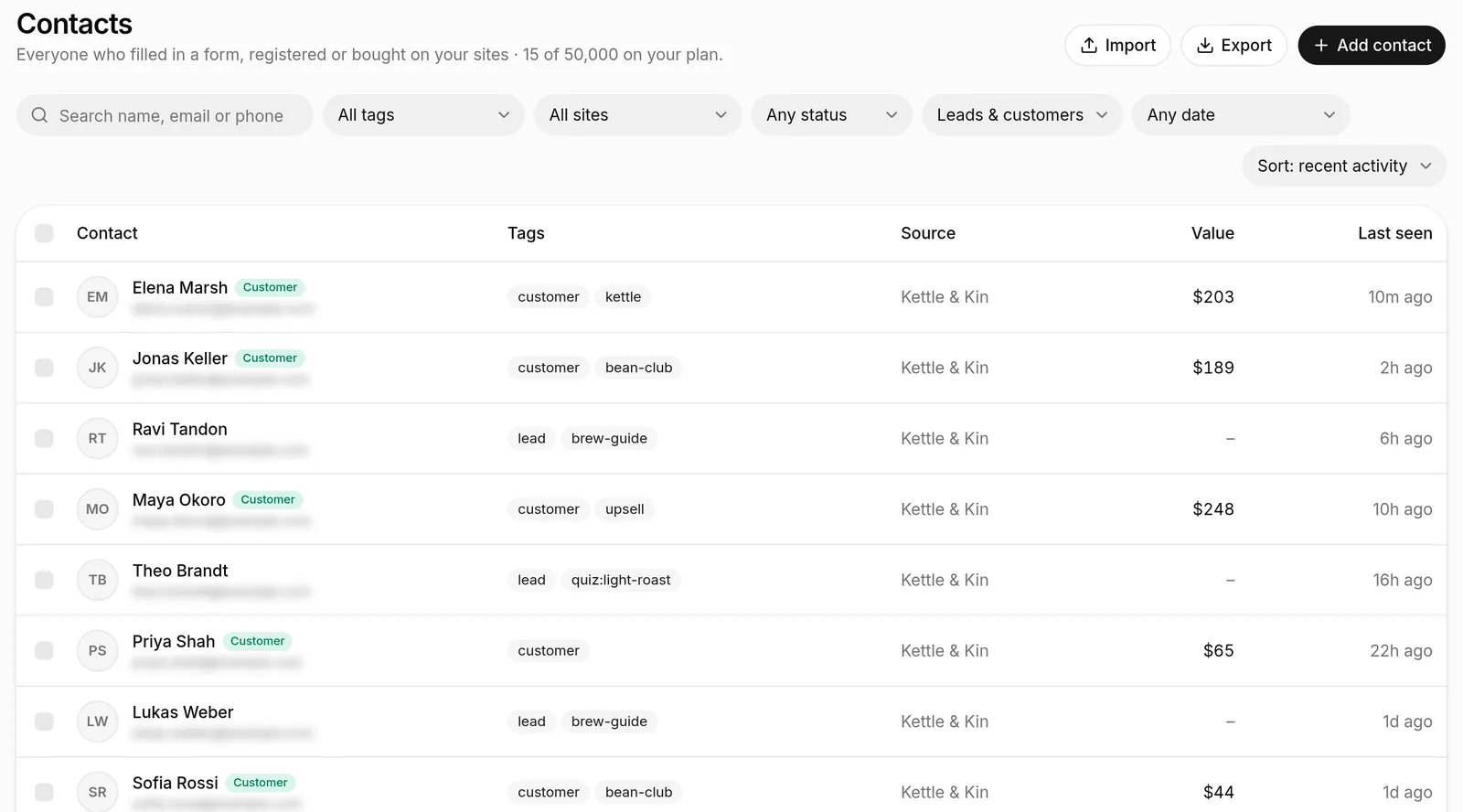
Every lead lands in one list
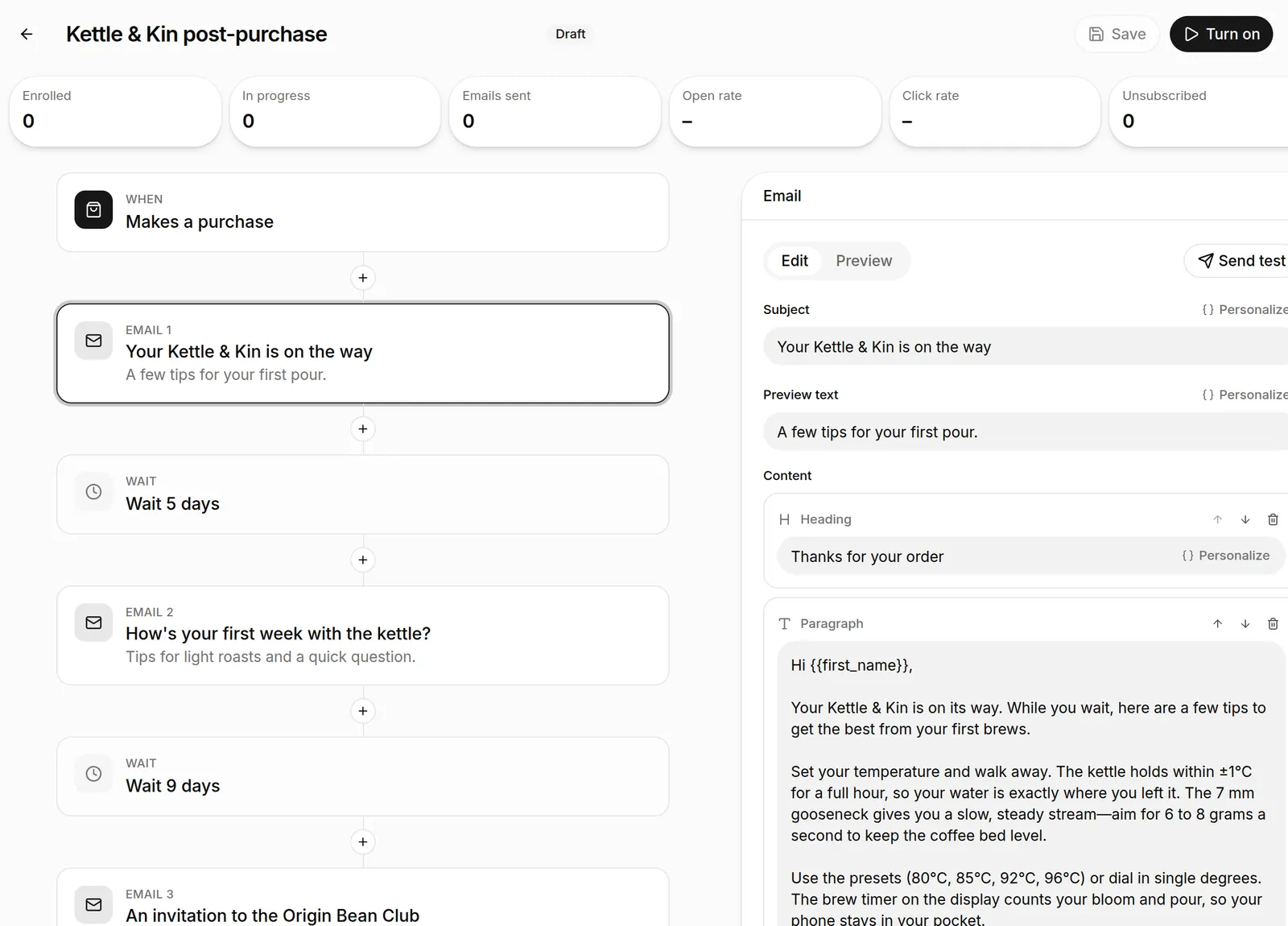
Form fills, quiz answers, registrations and orders become contacts with tags, a timeline and lifetime value. Follow up with email sequences the AI writes in your brand's voice.
06 · Publish
One site, 29 languages
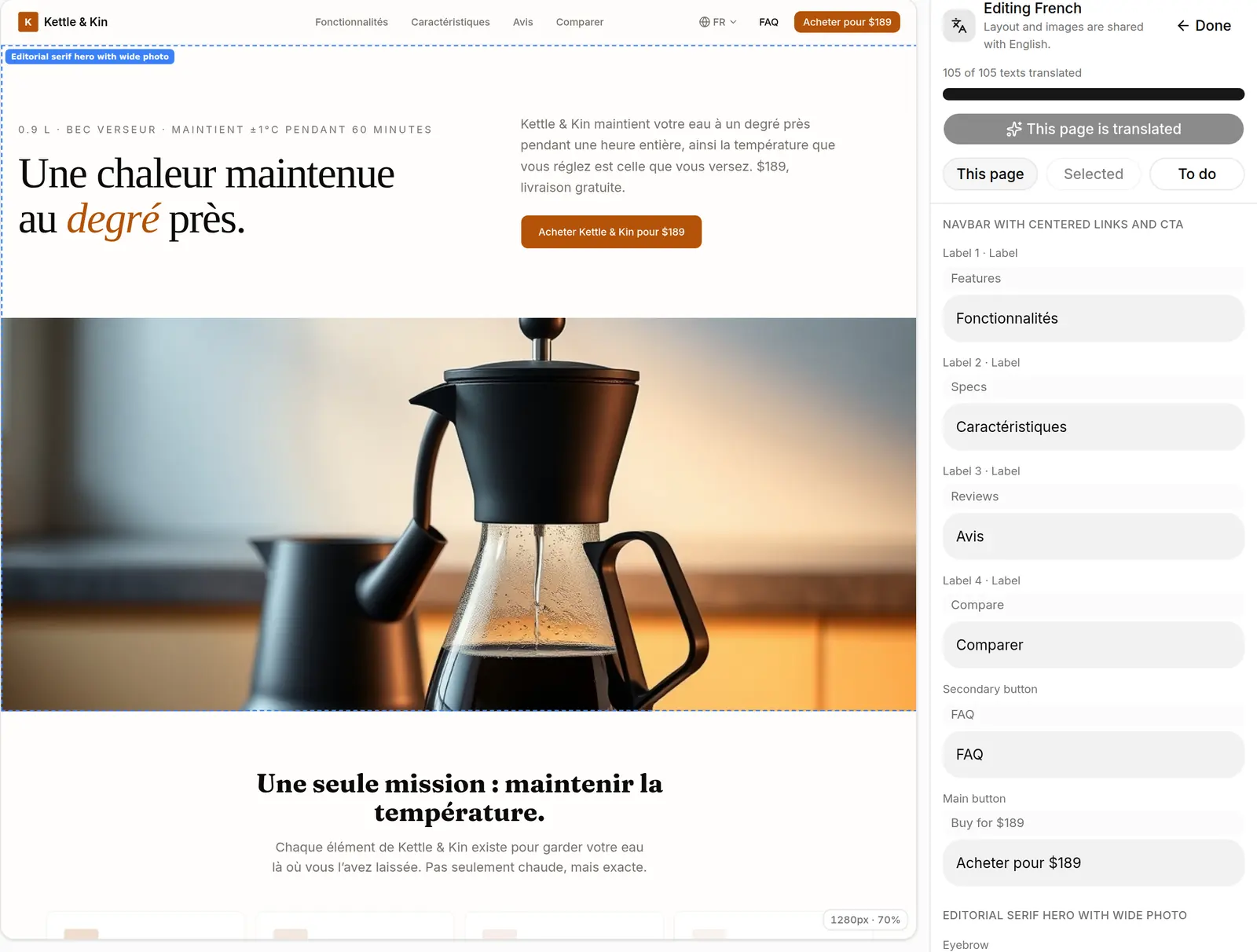
Translate the whole site with AI, then fix any line by hand. Each language gets its own address, a dropdown in your navbar, and tags that tell Google which version to show.
Blog and CMS
Collections for posts, team, case studies or menus, with list and detail pages.
SEO built in
Branded social cards generated at publish, structured data, sitemaps and redirects.
Fast, isolated hosting
Each site is its own project on Cloudflare's global network, with free SSL. Drafts and previews run sandboxed, away from your account.
07 · Work together
Built for agencies and their clients
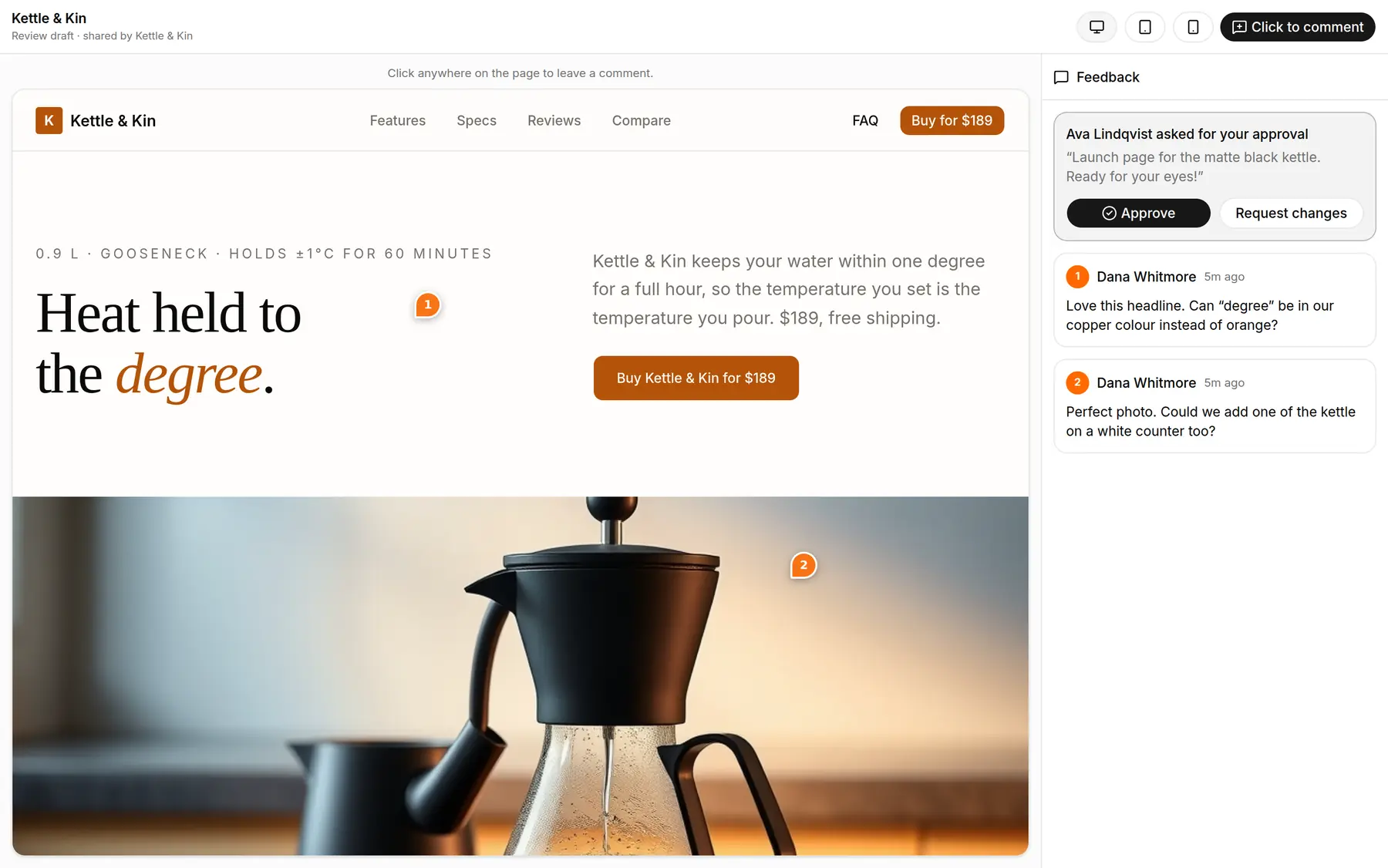
Your team edits the same page at the same time. Clients get a link where they pin comments on the page and approve it, and nothing goes live until they do.
Live co-editing
See who's on which section, live.
Approval gate
Publishing waits for the client's OK.
Private links
Password pages and expiring previews.
Import a site
Start from a URL or a Figma frame.
A workspace per client
Separate sites, domains, contacts and billing for each client.
Roles for everyone
Owners, admins and members. Up to 5 seats on Team.
No Pagecraft badge
On Pro and Team, published sites carry your client's brand only.
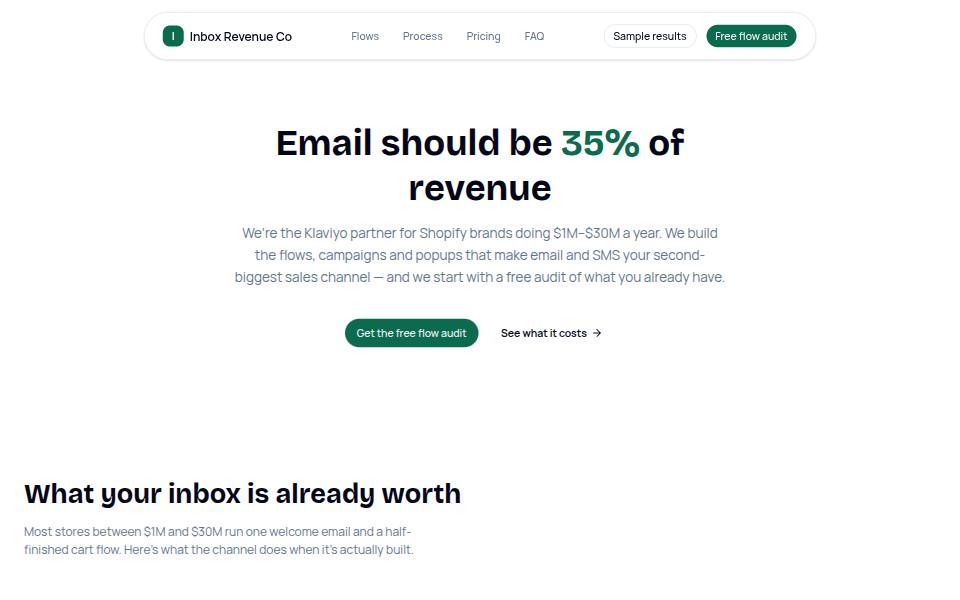
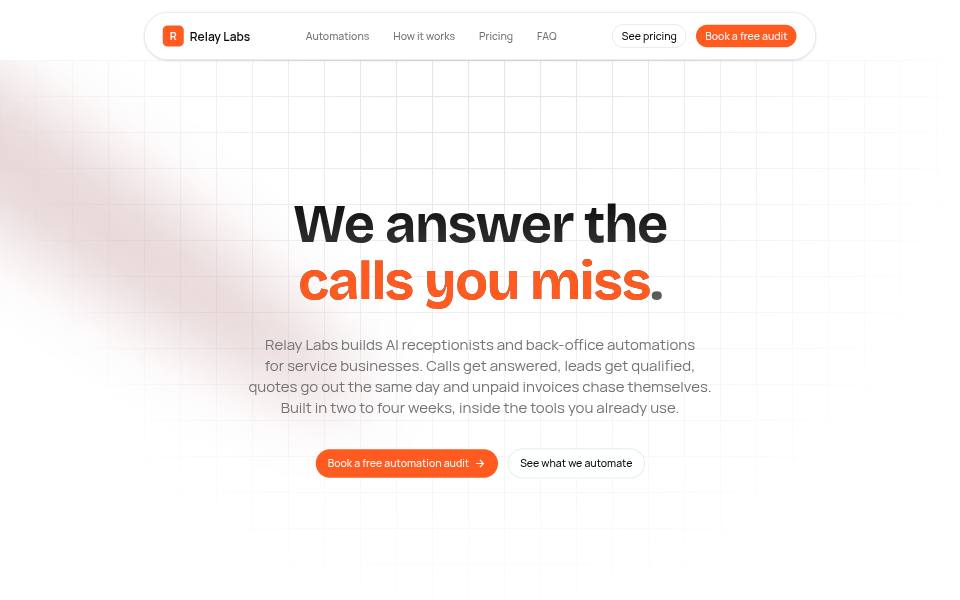
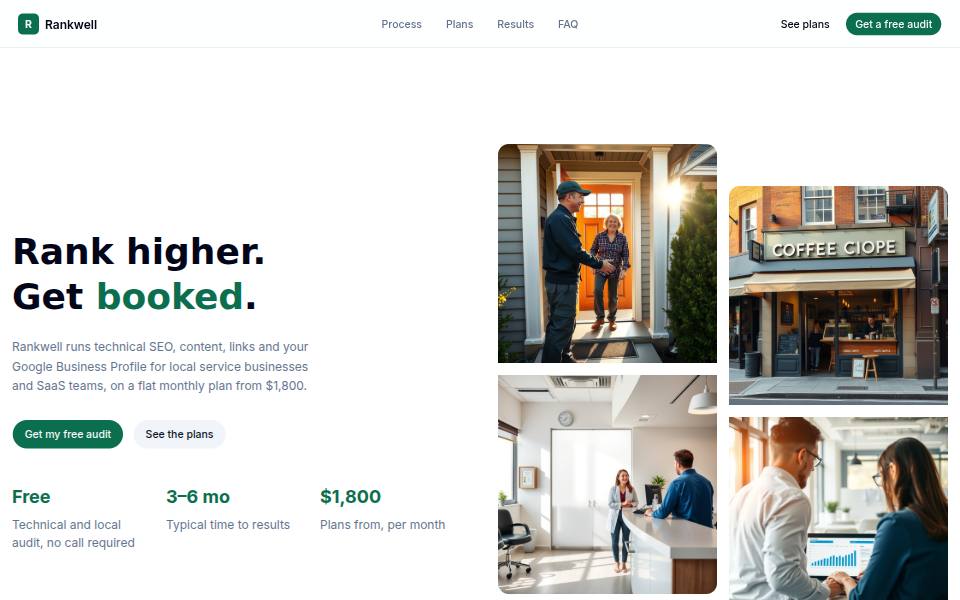
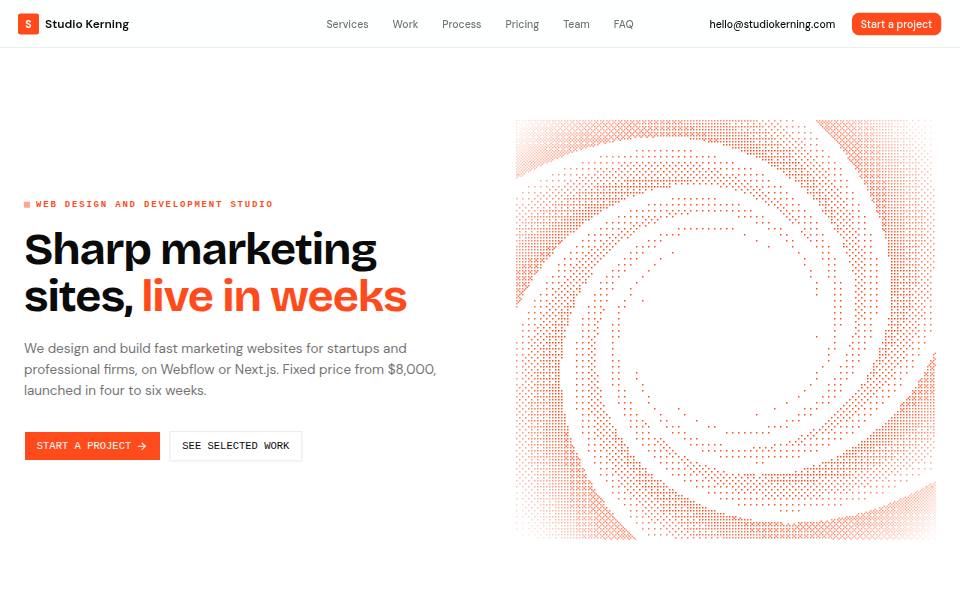
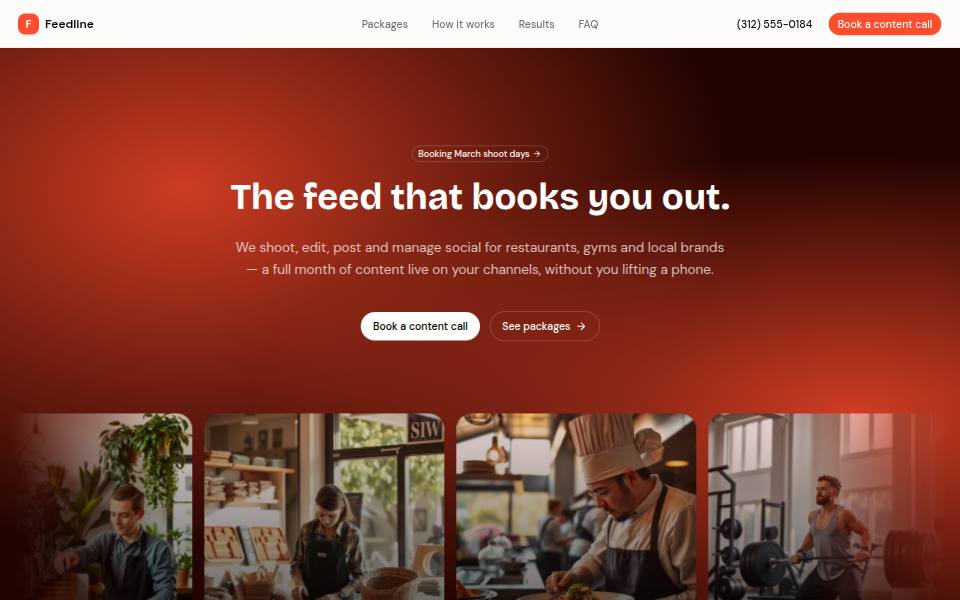
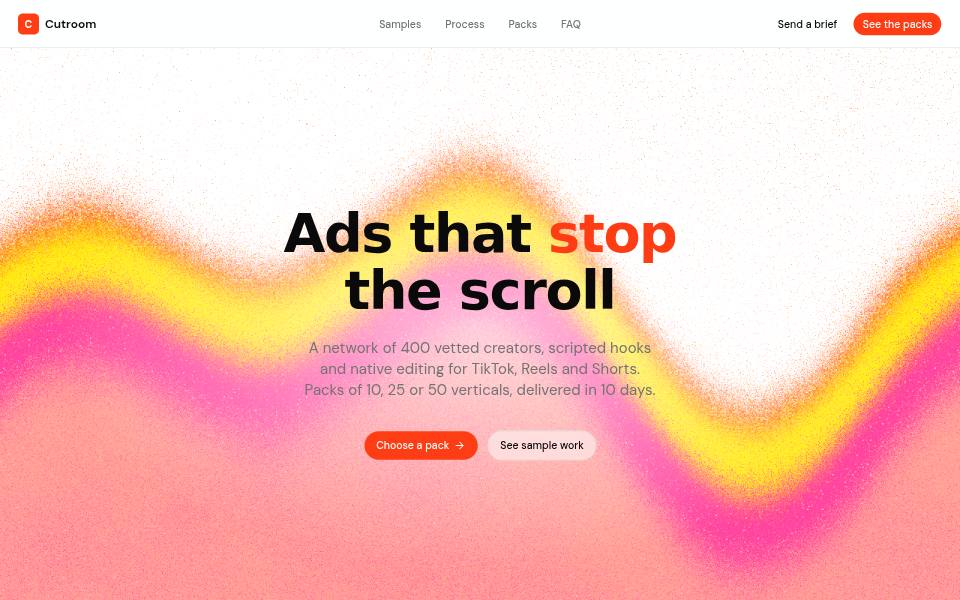
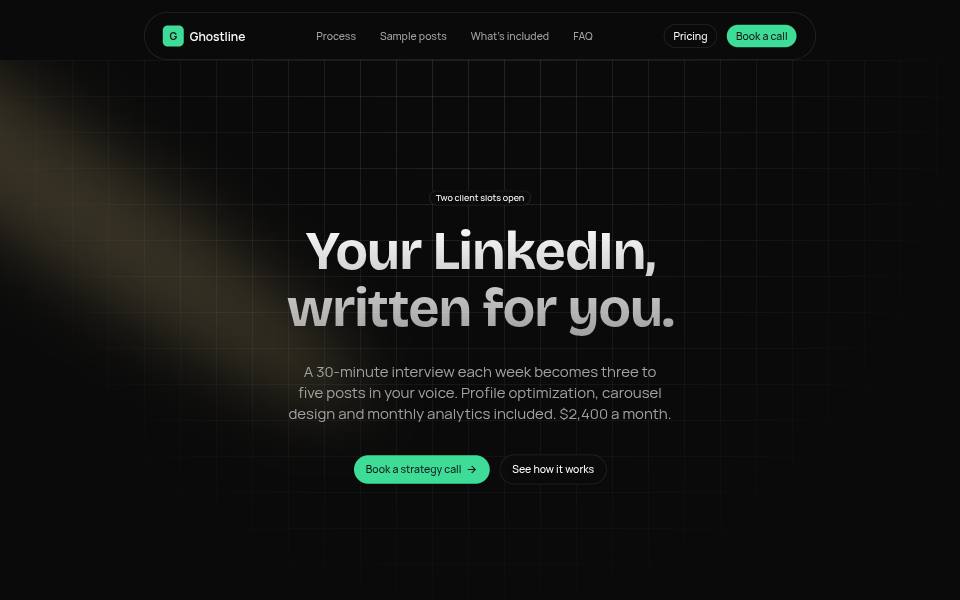
Templates
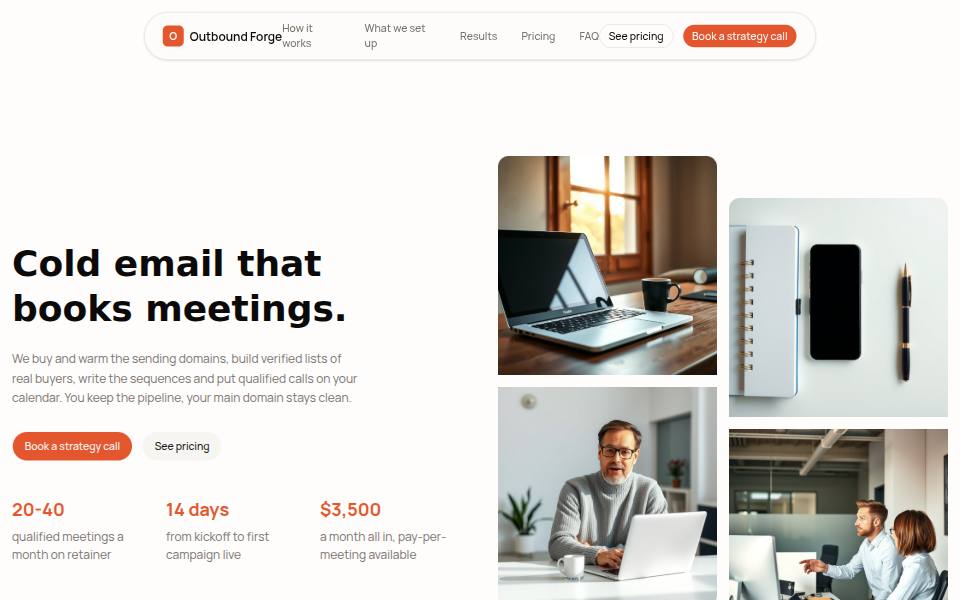
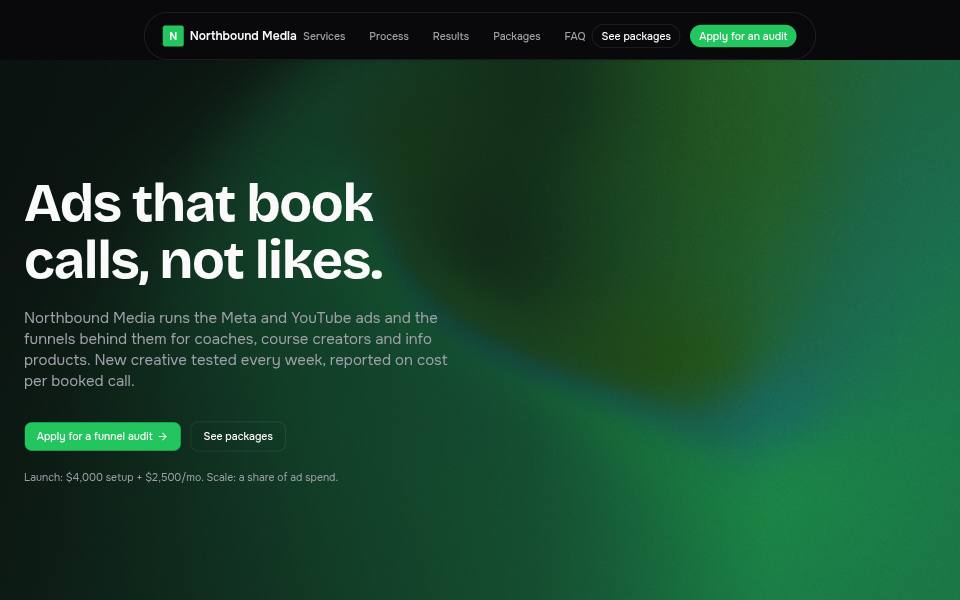
58 starting points, all AI-made
Each one was generated from a short brief. Start from one, or describe your own and get something new.
Also included
The details, handled
Version history
Save a version and restore any earlier one.
AI images
Describe a photo and get one in your page's style.
Voice input
Speak your change instead of typing it.
Scheduled publishing
Pick a date and time; it goes live on its own.
Saved components
Reuse your own sections and global headers.
Cookie banner and legal pages
Consent banner plus AI-drafted privacy and terms.
Headline A/B tests
Two headlines, the winner is picked for you.
Conversion audit
A scored review of the page with one-click fixes.
Pricing
Start free. Upgrade when you go live.
Publish your first site free on pages.dev. Pro adds your domain and checkout; Team adds your teammates and clients.
Try Pagecraft and publish your first site.
- 1 published site on pages.dev
- 3 draft sites
- 30 AI edits / day
- 20 AI images / day
- 250 contacts, 500 emails / month from your own domain
- 1 extra language per site
- “Made with Pagecraft” badge
For businesses ready to go live on their own domain.
- 10 published sites
- Custom domains with free SSL
- No Pagecraft badge
- Native checkout, order bumps & upsells
- Password-protected pages
- 150 AI edits / day, 50 premium AI images / month
- 5,000 contacts, 10,000 emails / month
- Up to 3 sending domains
- 5 extra languages per site, 5 running split tests
Build together with your team or clients.
- Everything in Pro
- 5 team seats with roles
- 100 published sites
- 400 AI edits / day, 300 premium AI images / month
- 50,000 contacts and emails / month
- 12 extra languages per site, 25 running split tests
Prices in USD. Cancel anytime from the billing portal.
FAQ
Questions, answered
Still unsure? Build a page for free and see for yourself. It takes about a minute.
Do I need any design or coding skills?
No. You describe your business in plain English and the AI builds the page. Change anything by asking, by double-clicking text on the page, or by dragging in sections and elements from the Library.
How good is the AI's writing?
It writes real copy for your business: specific headlines, full menus, packages, FAQs and email sequences. It avoids filler phrases, and it tells you which testimonials and numbers are placeholders to replace with your own.
Can I sell on my pages?
Yes, on Pro and Team. Connect your own Stripe account, then add a checkout to any page. You can sell one-time products, subscriptions and payment plans, with coupons, order bumps and one-click upsells.
What are funnels and split tests?
A funnel is a set of pages that lead to each other: an opt-in or sales page, checkout, upsells and a thank-you page. You lay them out on a map and see visitors, conversion and revenue for each step. Split tests send part of your traffic to another version of a page and tell you which one wins.
Can my site be in more than one language?
Yes. Add any of 29 languages and the AI translates every page. You can edit each translation by hand. Each language is published at its own address with a language picker for visitors.
What about the animated backgrounds on older devices?
Shader backgrounds need WebGPU. Visitors without it see a soft glow in your brand colours, and visitors who prefer reduced motion get a still frame. You can also switch an effect to a lighter or still version on phones.
Where is my site hosted?
On Cloudflare's global network. Each site gets its own Cloudflare Pages project and a pages.dev address with SSL, and you can connect your own domain on Pro and Team.
Is it good for agencies?
Yes. Use a workspace per client, invite your team with roles, edit together in real time, and send clients a review link where they comment on the page and approve it before it goes live. Pro and Team remove the Pagecraft badge.
Can I cancel anytime?
Yes. Manage or cancel your plan from the billing portal. Your plan stays active until the end of the billing period, and published free sites stay online.
Your page is one sentence away
Describe your business and watch it build. Free, no card.